
One place to begin your research
Search people alongside films, television, music, books and history. Choose the matching person or work and explore the associated records.
Free VISINVOKE utility
Find the person.
Follow their work.
Read the sources.
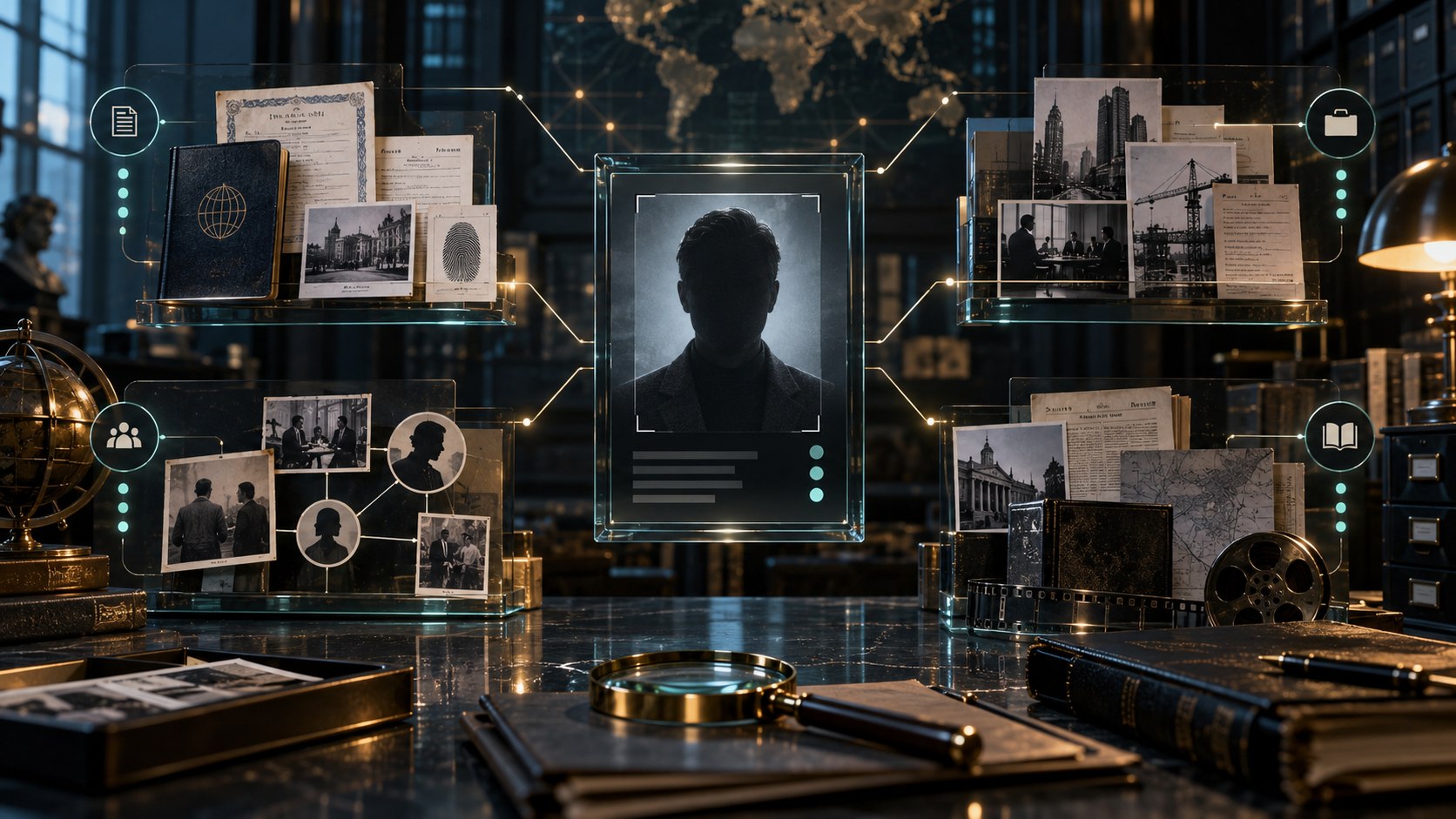
People and their public records
Search across interests, then review the available facts.
Search people alongside films, television, music, books and history. Choose the matching person or work and explore the associated records.
Dates, status and important facts sit with source and confidence information. Review retained conflicts and gaps as you form your own judgement.
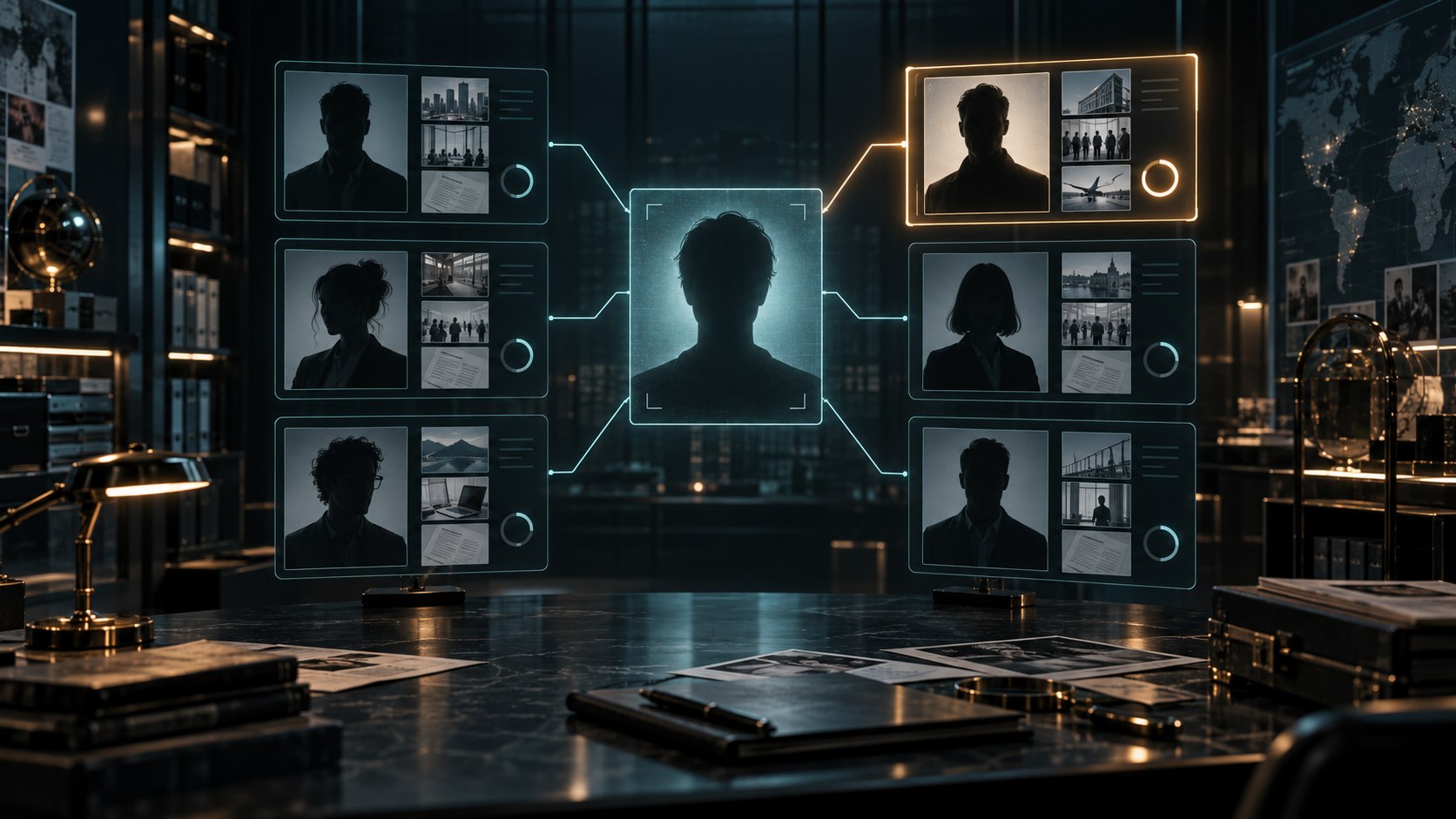
Choose the matching person
A central silhouette connects to a set of portrait records, with one candidate highlighted. Documents and archive subjects surround the search, illustrating the choice between possible matches.
Choose the person or work that fits your research, then inspect the available record. Keep identity and source context in view before comparing details.
What you can explore
Read each record with its available sources and context.
Search people, television, movies, music, books and history from one place. Choose the person or work that matches your research.
Read living and deceased people together, with clear status labels beside their records.
Review birth and death dates, current age or age at death. The precision of the supplied dates stays visible.
Cause of death appears only when a source actually states it. Keep the statement connected to the information supplied.
Explore the people connected to a work. Filter and sort cast and crew lists to find the records you want to compare.
Place people and cast information alongside one another, keeping each record and its available facts distinct.
Inspect where a fact comes from, the confidence information and any conflicting details retained for review.
Keep recent searches and favourites on your own computer, with a local cache of research records.
Copy the current people or cast view as CSV when you want to work with that information elsewhere.
Follow a person through their associated films, books, music and other public records. Review the sources as you explore.

Follow connected work
A person stands between film reels, books, music and an organisation, joined by illuminated paths. The illustration shows the kinds of public work and context connected to a person.
Explore associated works and their people, including full cast and crew. Filter, sort and compare the available records.
A practical research flow
Keep your question and the source information together.
Start with the subject you want to explore across people, film, television, music, books or history.
Select the person or work that fits. Review the identity and available context before following its connected records.
Read status, dates and ages with their precision intact. Check the source and confidence information and any retained conflicts.
Filter and sort cast or crew, compare records, then copy the current people or cast view as CSV when useful.

Read the provenance trail
An archive trail links a building photograph, document and chronology marker to a checked record. A second document follows a contrasting path, illustrating retained disagreement.
Review important facts with their sources, confidence information and retained conflicts.
Keep useful research references
Local continuity and a clear route back to the evidence.
Keep useful people and research records as favourites so you can return to the subjects that interest you.
Revisit recent searches and locally cached research records while continuing your exploration.
Copy the current people or cast view as CSV. Choose the view you want before transferring its information.
Review important facts with their source and confidence context. Keep disagreements visible while assessing the record.
Your workspace and related products
Open your utilities through your account.

Open People Explorer in a dedicated desktop window through your signed-in workspace. Get Desktop Control Centre through your account installer page.

Explore books, authors and editions, compare catalogue details and organise your personal reading shelves in the separate Book Explorer utility.
Images illustrate research subjects and evidence. Review public-source facts, gaps and disagreements using the available source context.
Questions and answers
Search, life details, cast and crew, sources and account access.
Search people, television, movies, music, books and history. Choose a person or work from the results, then inspect the relevant records and associated people.
Living and deceased records have clear status labels. Birth and death dates, current age and age at death keep the precision supplied by the source. Cause of death appears only when stated by a source.
Yes. Browse a work’s cast and crew, filter and sort the list, and compare people or cast information. Keep the record and available facts in view.
Inspect its source, confidence information and conflicting details. Public-source records can have gaps or disagreements; use that context to judge the information.
Keep recent searches and favourites on your own computer. A local cache supports research continuity, and the current people or cast view can be copied as CSV.
Create a free VISINVOKE account or sign in. Get Desktop Control Centre through your account installer page and open People Explorer in its dedicated desktop window. People Explorer is free with your VISINVOKE account.
Continue in VISINVOKE
Create a free VISINVOKE account or sign in to your existing account. Get Desktop Control Centre through your account installer page.
Open People Explorer in its dedicated desktop window. This VISINVOKE utility is free with your account.